BoneBox Engine Keybind Reference
Every core control explained for ragdoll sandbox play.
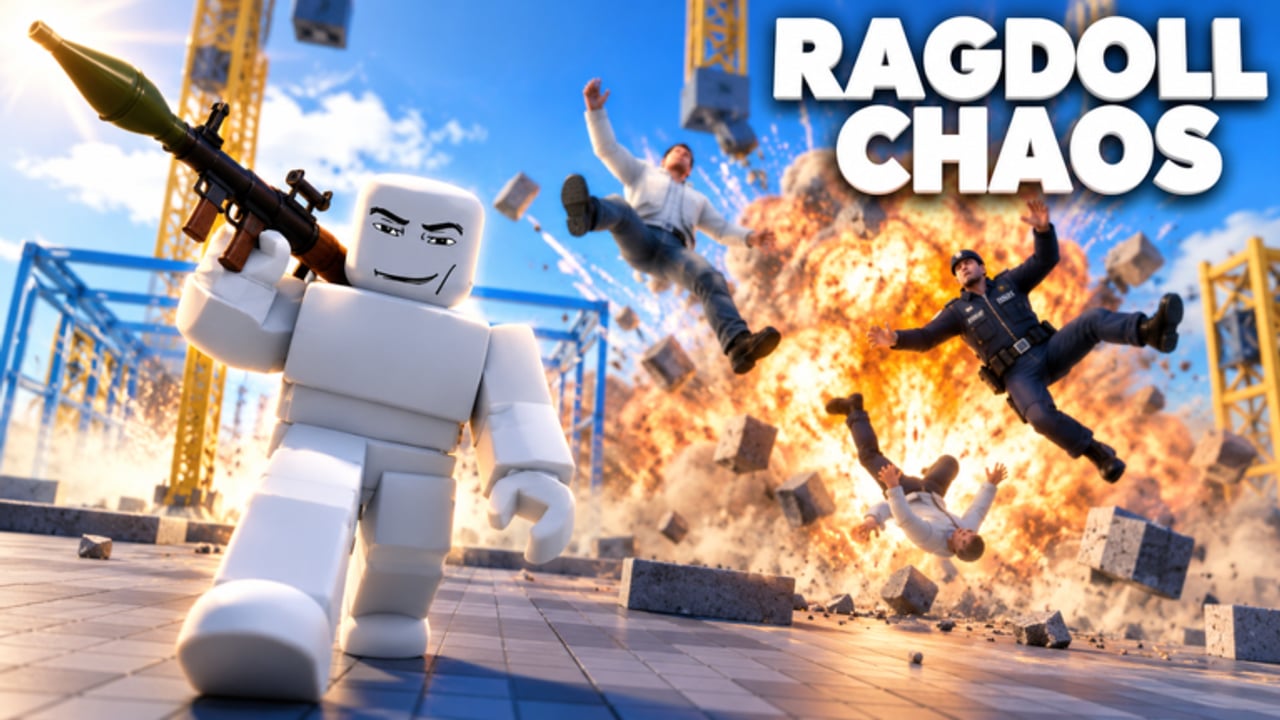
This keybind reference is the printable deep dive for BoneBox Engine controls. Keep it beside your monitor while you learn SW33R Game Studio’s ragdoll physics sandbox, then fall back to the in-game K overlay whenever patches add binds. Parent checklists live on the Tools Hub; narrative onboarding lives on Controls and Getting Started.
BoneBox Engine is a spawn-drive-destroy Roblox experience with roughly two million visits, about 22k favorites, ~16 player servers, and a kill-based unlock ladder. Hotbar discipline matters as much as aim: the wrong slot mid-fight turns an S-tier RPG moment into a fist flail. Pair this page with codes, players progression, weapons tiers, and vehicles tiers.
Primary hotbar — slots 1 to 6
1 — Grab
Grab is your physics handshake. Use it to snatch props, reposition C4 packages, tug welded contraptions, or yank a ragdoll mid-tumble. On Playground and City sidewalks, Grab sets up comedy throws into traffic. In serious fights, Grab retrieves dropped momentum—pull a barrel, block a hallway, then switch to guns. Practice Grab → Throwables combos so slot changes feel instant.
2 — Fists
Fists teach timing and launch angles. They are C-tier on the weapons list for destruction, yet perfect for hub etiquette near the FREE CODES board and for learning how BoneBox bodies respond to sustained punches. Warm up with fists for thirty seconds each session, then switch to guns so your rank farm does not stall.
3 — Guns
Guns are the default ranged language of BoneBox lobbies. Slot 3 should feel like home: hip-fire in Maze, tracked sprays on Rooftops, finishers after Freeze Ray locks. Redeem FREE codes early so you are not stuck on fists while everyone else peeks with rifles. Third person (V) helps when tracking strafing jeeps.
4 — Spawner
Spawner is your toy chest. Vehicles, gadgets, and many sandbox pieces come through slot 4. Before a City push, spawn the jeep or tank you actually planned on the farming checklist. Before a Rooftops hold, confirm Jetpack or helicopter availability. Spawner hesitation is how players die with empty hands—open it during downtime, not during an RPG whistle.
5 — Melee
Melee shines after control tools land. Freeze a target, swap to 5, and launch them off Rooftops or into Playground props. In Maze, melee avoids self-damage that reckless rockets cause. Treat melee as a finisher slot, not your only plan, unless you are intentionally running a fist-and-bat meme night.
6 — Throwables
Grenades and other throwables live here. Cook timing separates multi-kills from self-ragdolls. Use throwables to flush campers, demolish prop stacks, and soft windows for C4 plants described under Sandbox Tools. When ammo for guns runs awkward mid-brawl, a clean grenade buys resets.
System and camera keys
TAB — Menu
TAB opens the menu layer for settings and session options. Learn where your sensitivity, graphics, and any toy menus sit so you are not fumbling while a helicopter banks overhead. After patches, reopen TAB once to notice new toggles—then check the Updates Hub.
G — Drive
Drive possesses the active vehicle. Spawn a jeep, look at it, press G, and roll. Forgetting Drive is the top beginner vehicle bug report. Practice enter/exit under fire on Baseplate. Tanks need earlier turns; helicopters need gentle pitch. See the vehicles tier list for which chassis deserve your kill budget.
V — Third person
Third person widens awareness for driving, rooftop peeks, and Flamethrower sweeps. First person can help Laser Eyes precision. Flick V deliberately instead of leaving camera mode to chance. Many RPG misses are actually camera mistakes.
P — Hide UI
Hide UI for clean clips and uncluttered driving. Only enable it after slots 1–6 are instinctive; otherwise you will Grab when you meant Guns. Content creators love P; rank climbers should keep UI visible during serious farms on the Players Hub plan.
K — All keys
K reveals the authoritative in-game key list. When this wiki and the live build disagree after a patch, trust K, then tell us via Discord linked on the Links Hub. Re-open K after every maintenance window.
Printable quick card
1 Grab | 2 Fists | 3 Guns | 4 Spawner | 5 Melee | 6 Throwables
TAB Menu | G Drive | V Third person | P Hide UI | K All keys
Tape that card to a monitor bezel for a week. Muscle memory beats any unverified executor overlay—and avoids the risks outlined on the Scripts Hub.
Drills that make binds stick
- Slot sprint (2 minutes): Cycle 1→6 while standing still, saying the action aloud.
- Drive drill: Spawn jeep,
G, figure-eight on Baseplate, exit, Grab a prop, re-enter. - Camera drill: Alternate
Vevery five seconds during a Rooftops walk. - UI drill: Hide UI (
P), identify slots by position only, restore UI. - Combat drill: Freeze or soft a bot/prop, swap 3→6→5 without looking down.
Run drills after redeeming codes so your new unlocks arrive with hands that already know the board.
Situational bind stacks
- City assault:
4tank/jeep →G→V→3/6while passengers handle C4. - Rooftops pick:
Von → Laser Eyes or guns (3) → Jetpack bail via spawner. - Maze clear: Flamethrower/guns → melee (
5) in tight corners → careful RPG. - Playground chaos: Grab (
1) props → throwables (6) → C4 creative plants. - Hub redeem: guns (
3) → shoot FREE CODES board → back to farming checklist on Tools.
Map context expands on the maps guide. Loadout quality expands on the Tier List Hub and Unlock Weapons.
Troubleshooting
- Vehicle ignores input: You probably forgot
G, or another player already drives it. - Wrong toy equipped: Look at hotbar highlights; slow down slot taps.
- Cannot find binds after update: Press
K, then skim Updates. - Clips look messy: Use
Ponly once the fight plan is simple. - Aim feels off in cars: Toggle
Vand retune sensitivity inTAB.
Mastering keybinds will not unlock Laser Eyes by itself—but it makes every kill you earn through codes, PvP, and sandbox creativity count. Print this page, run the drills, and keep the Tools Hub checklists nearby until BoneBox Engine controls feel as natural as walking.
Frequently Asked Questions
Quick answers about codes, controls, unlocks, and the BoneBox Engine sandbox.
What does each number key do in BoneBox Engine?
1 Grab, 2 Fists, 3 Guns, 4 Spawner, 5 Melee, 6 Throwables. Press K in-game to confirm after patches.
How do I drive tanks or jeeps?
Spawn the vehicle with slot 4, then press G to Drive. Use V for third-person camera while rolling.
What does P and K do?
P hides the UI for cleaner view or clips. K shows the full key list overlay from the live build.
Where should beginners practice binds?
Use Baseplate or Playground for Drive and slot drills, then apply them on City and Rooftops fights.
Do scripts replace learning keybinds?
No. Dedicated BoneBox scripts are scarce and risky. Legitimate binds plus codes and ranks are the supported path.